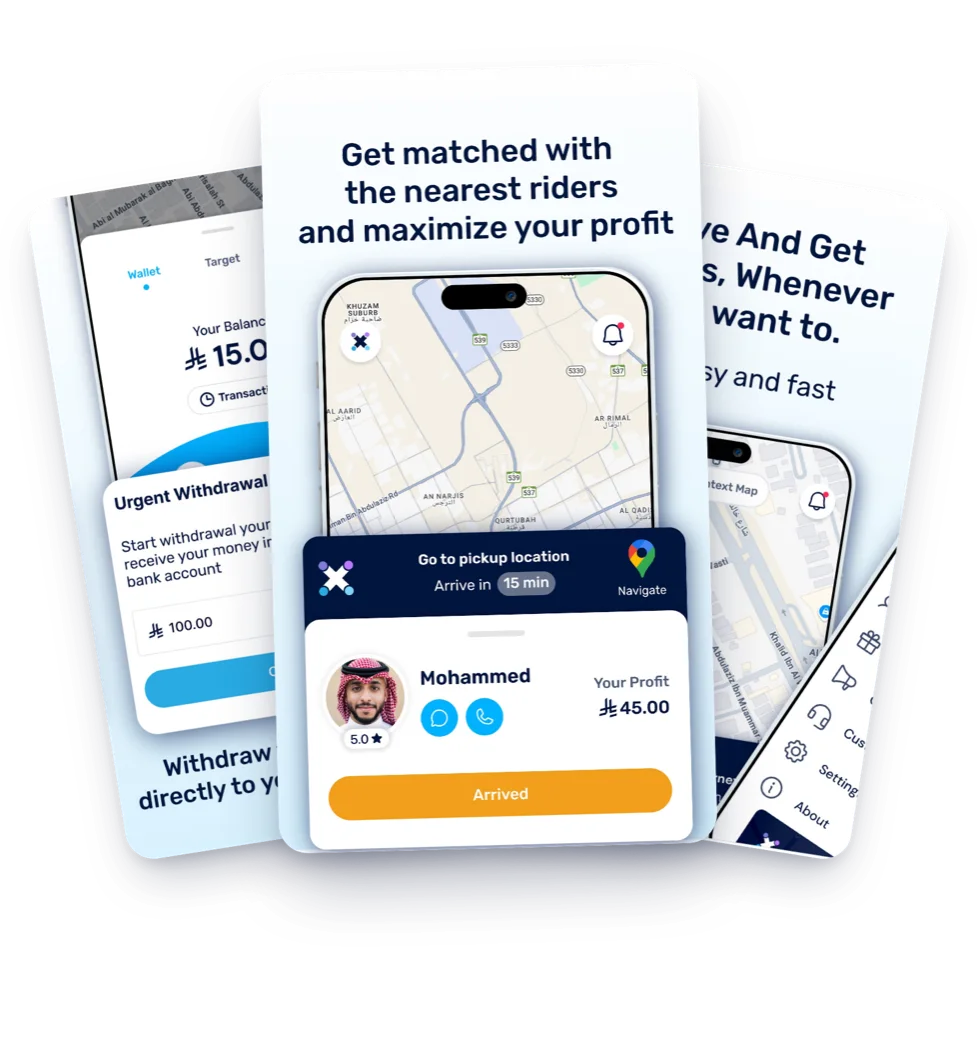
Details for each ride
Review your ride earnings in your drovox Hero account.


Review your ride earnings details in the drovox Hero app.
Review your ride earnings in your drovox Hero account.
Review how to receive your earnings in your drovox Hero account.
Enter the IBAN for a bank account in your name and check the details before saving them in the drovox Hero app.
Renew your driver's license, vehicle insurance, and any other required documents before they expire.
Manage your rides and review your earnings in drovox Hero.