Early morning rides
If scheduling is available, choose your pickup time the day before your early morning ride.


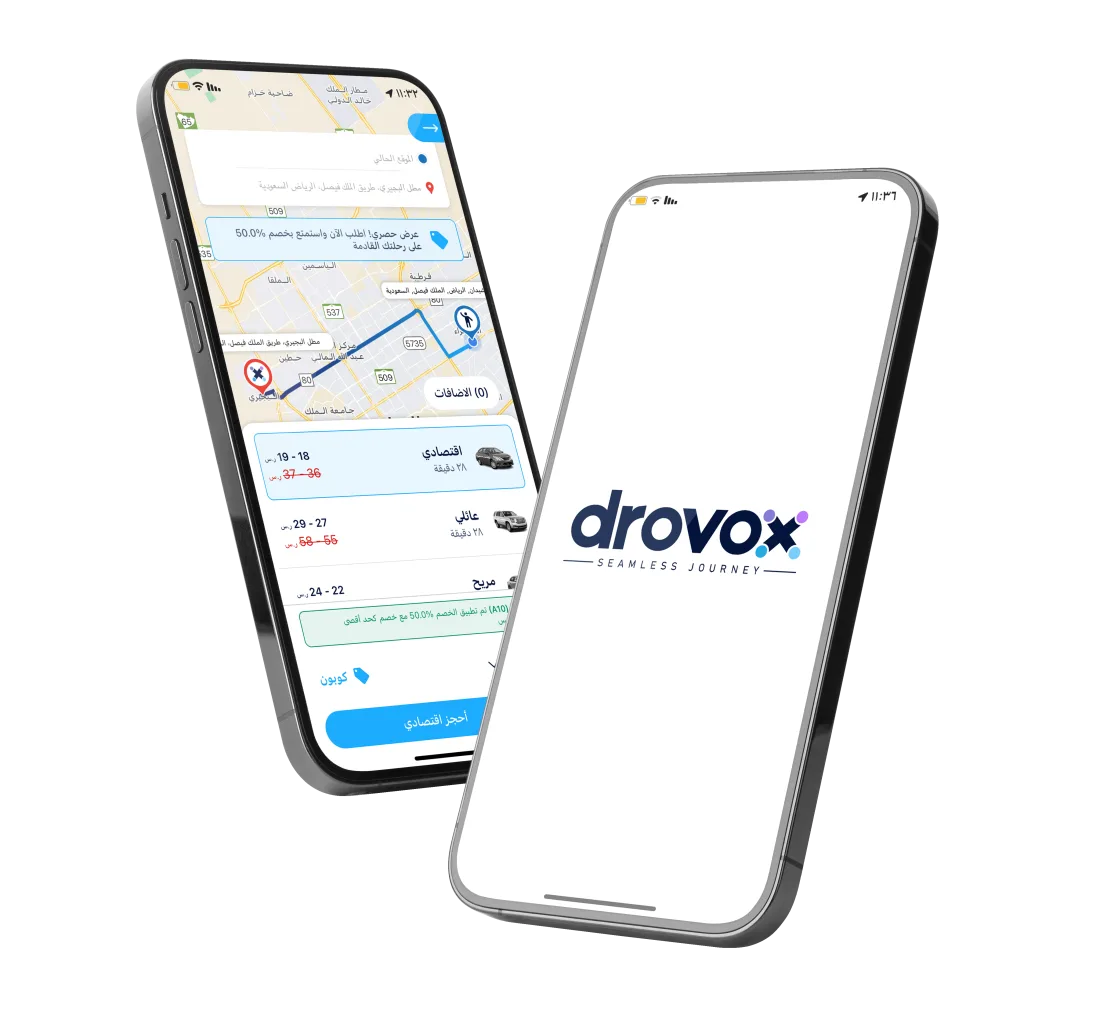
Enter your pickup location and destination in the drovox rider app. If scheduling is available, select a date and time and review your ride details before confirming.
Enter your pickup location and destination in the rider app.
If the scheduling option appears, select the date and time that work for you.
Check the time, ride category, and fare shown, then confirm your request.
The app alerts you before the trip, and a Hero is assigned ahead of time.
If scheduling is available, choose your pickup time the day before your early morning ride.
Set a trip to repeat for work or university.
Choose a pickup time that works for your appointment or event.
Change or cancel a scheduled booking from the app before it starts.
Open the app and enter your pickup location and destination to see the available options.